 Kalgoorlie
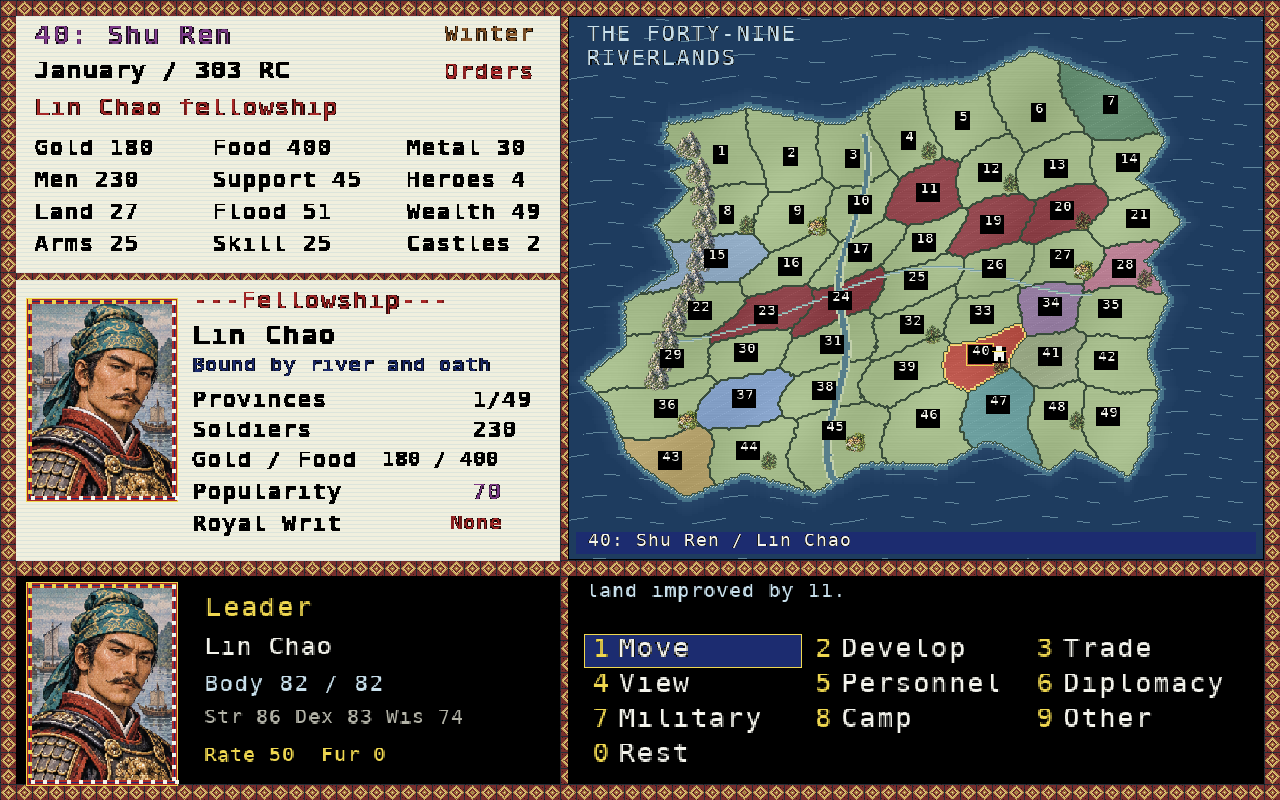
A fellowship in a divided empire
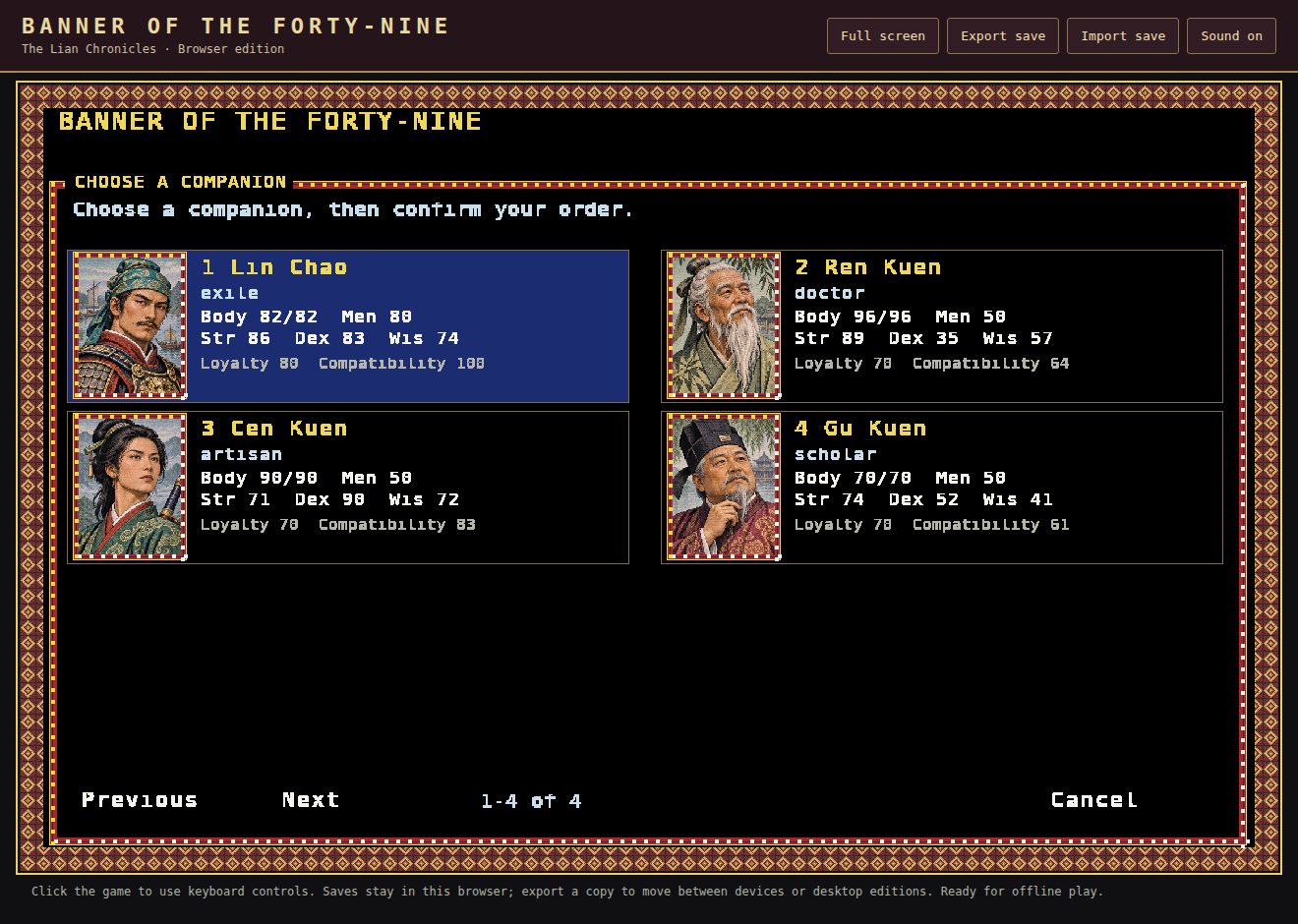
How to play →Choose one of four scenarios and lead your companions from exile or an established holding. Develop land, control floods, train and equip soldiers, hunt for food or fur and trade in town, recruit free residents and negotiate with rival fellowships. Every companion has their own abilities, Body, Loyalty and soldiers.
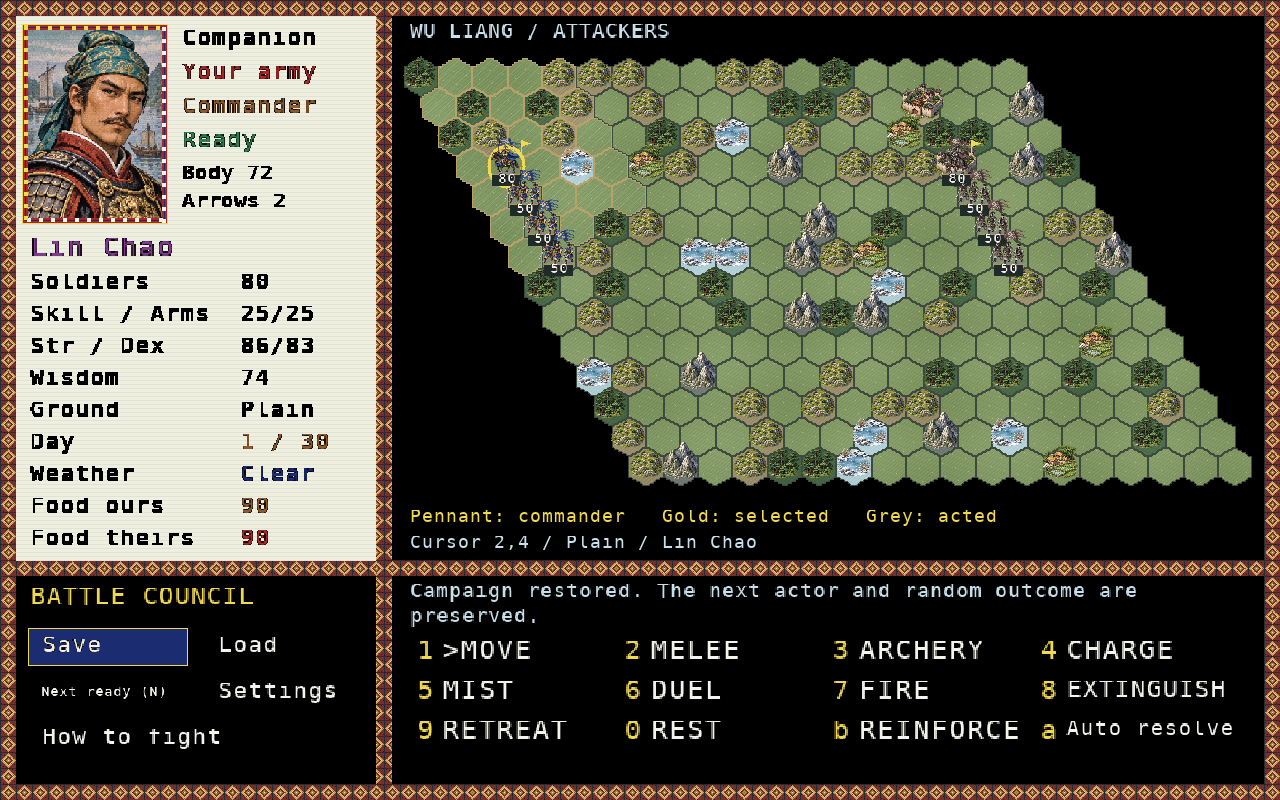
When armies meet, deploy your units on an illustrated hex map. Use terrain, archery, charges, ships and reserves, keep your army supplied and protect its commander. You can lead the battle yourself or let it resolve automatically.
People, provinces and the Royal Writ
Four scenarios, 49 provinces, 255 characters, illustrated portraits, town shops, diplomacy and a campaign ledger. Play alone, take turns at one computer with up to seven human players, or watch the computer fellowships.
Desktop and browser saves
The editions share their Pascal rules and illustrated screens. Move a campaign between editions with a JSON save file, including a town visit or battle. No account or game server is needed. Network multiplayer is not included.
This is a playable development edition, version 0.3.4. The implementation checklist describes its remaining design work.
On the riverlands
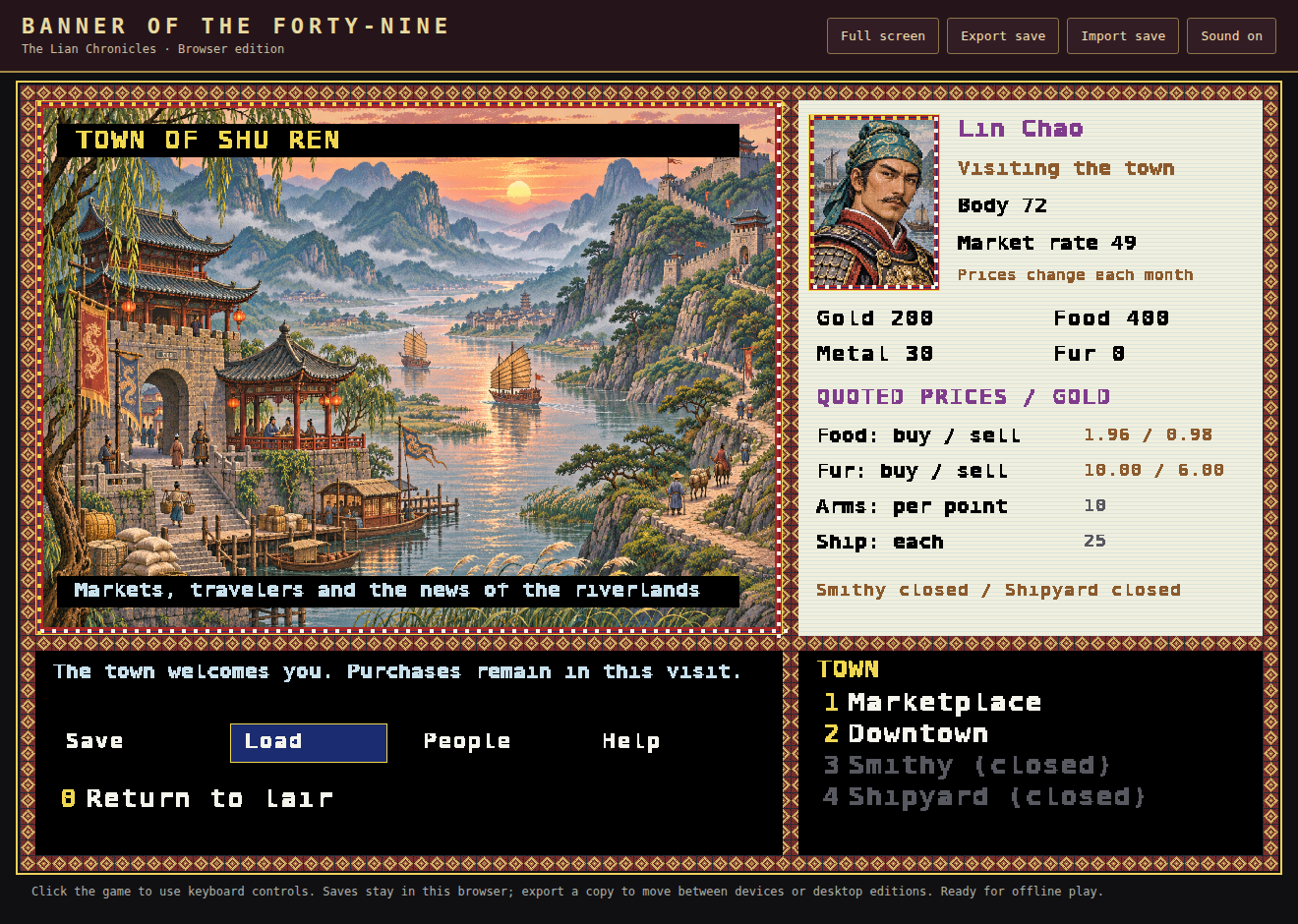
Play in your browser
Start playing →Open the game, choose New campaign, then choose a scenario and fellowship. Gathering Rain begins with a holding; The Exiles starts on the road. Click the game to give it keyboard focus. Number keys choose the displayed orders, Enter confirms and Escape returns. Music and effects start on your first game click or keypress. Use the sound button to mute or enable them; saved mute settings are respected.
Saves stay in this browser. Use Export save to keep a backup or move to another computer, and Import save to resume it. Once the game says Ready for offline play, it can reload offline. Use the same website address to find the same browser saves.
Markets, hunts and wild beasts
Food buy and sell quotes follow the local monthly market rate. Quotes retain two decimal places; confirmation shows the exact whole-Gold total, rounded up for a purchase and down for a sale. For example, Rate 49 quotes 1.96 Gold to buy Food and 0.98 to sell it.
Choose Trade → Hunt for fur, confirm a companion, then sell the earned stock through Town → Marketplace → Sell fur on a later turn. Food and fur hunts are available March–November.
Occasionally a wolf, leopard, tiger or bear terrorises residents. A saved alert reports the province and lost food, and a warning remains while the beast raids stores. Choose Develop → Beast expedition to protect the residents. Ignored beasts take 5% of the province's Food each month until driven away or the season ends.
Installing
Full instructions →Windows
Run the MSI installer, then start the game from the Start menu or desktop. The portable ZIP runs from its extracted folder. Windows builds and installer upgrades are checked under Wine; physical Windows testing remains outstanding.
Linux
For Debian and Ubuntu, download the .deb and install it:
sudo apt install ./banner-of-the-forty-nine_0.3.4_amd64.debFor other Linux systems, extract the tar.gz and run ./run.sh, or ./install.sh for a per-user installation. Install the SDL2 runtime first. The Linux builds are for x86-64.
The game has its own program and save locations and is separate from River Oath. Installing it does not replace that game. Upgrade or uninstall keeps your saved campaigns.
Downloads
All checksums →Version 0.3.4 · 7 November 2026. The source and dependency notices are included.
Guides and source
Artwork, fonts, music and runtime dependencies are described in the asset credits. Questions or bug reports: slaterm@theiguru.au.